Low-code and no-code: comparison and benefits
Is it possible to build a complete software or app with just a few clicks or by dragging and dropping? In this article, you'll learn what low-code and no-code are and what they can really be used for.

What does low-code mean?
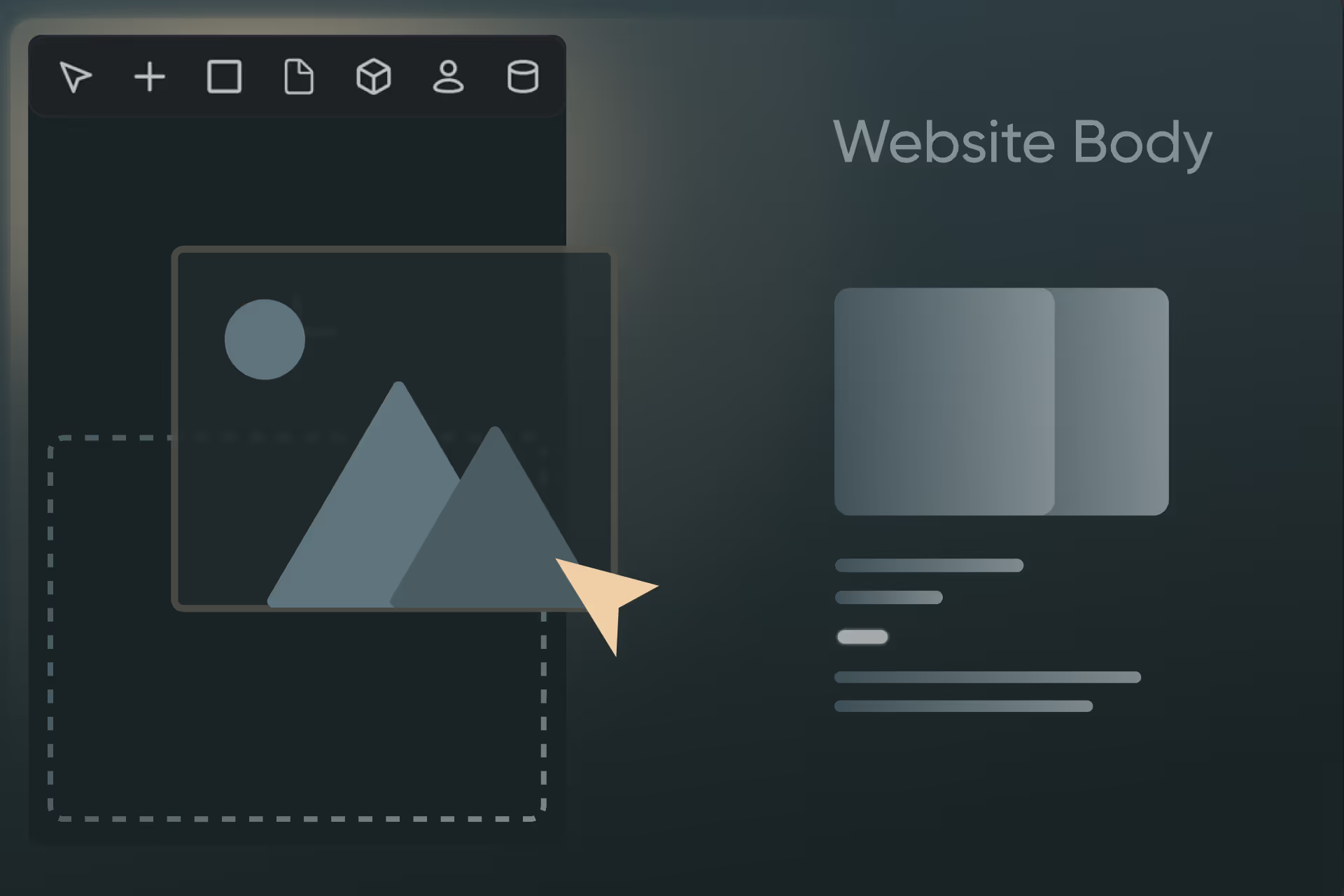
With low-code, you can create software with very little programming effort. Instead of programming every step yourself, you use ready-made building blocks, visual editors, and automations. You still write code in a few places — but significantly less than with traditional development projects.
Typical features:
- Visual development interfaces (drag-and-drop).
- Predefined modules (e.g. for database connection, user administration).
- Possibility to add or extend your own code as needed.
Where does low-code make sense?
- When you need an individualized application that goes beyond simple standard solutions.
- If you want rapid prototyping but still need to incorporate certain extensions (such as complex logic or integrations with specialized software).

What does no-code mean?
No-Code goes one step further and promises to be completely free of programming. Here, a prepared component is available for (almost) everything, which you put together like building blocks. This allows you to design your app or process with the click of a mouse without ever having to write a line of code.
Typical features:
- Complete visual development environment.
- Often very limited options for self-programming.
- Focus on quick results and ease of use.
Where does no-code make sense?
- If you need a standardized or simple business application, such as a form, a dashboard, or an automated workflow, and don't have any special requirements.
- If you want to get a solution up and running quickly and avoid time-consuming programming (e.g. internal tools, prototypes, landing pages).
Difference between low-code and no-code
Since both variants do not require hard code programming, the difference between low and no code is very fine: In low-code sequences, you can add your own code, but not in no-code.
Difference from fully code-based software development
In contrast to low-code and no-code, in classic software development, you build your application almost entirely in a programming language (such as Java, Python or C#).
This means that you write most of the source code yourself, manually create databases, define interfaces and usually take care of the entire deployment.
Which is better: low-code, no-code, or hard-code?
The short answer is that no variant is better than the others. It is always important to play to the right strengths.
Examples from everyday life and work
No-code example
Many private users create automations for their smart home directly in the appropriate app.
In the respective Apple or Google home app, you can program when blinds close, the lights are switched on and off again, music is played or the heating is regulated.
The apps can be without programming knowledge operate. Instead, conditions and actions are linked via a selection menu — in the spirit of no-code programming.
Low-code example
Many freelancers or solo self-employed people use a construction kit to create a simple website.
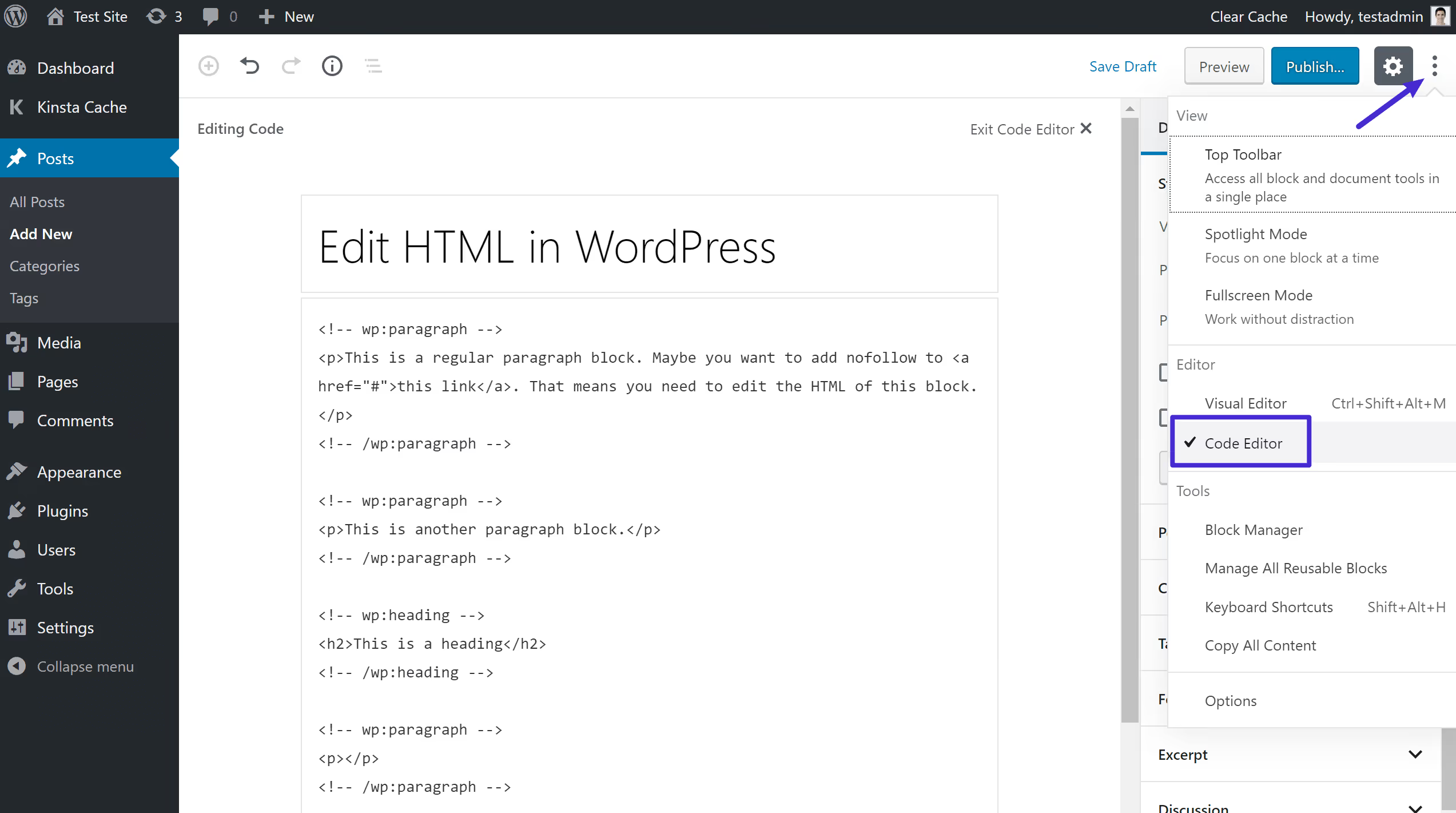
With WordPress, Squarespace, Wix, and many other providers, it is possible to assemble a website using drag-and-drop.
Most providers also allow you to view and change the HTML code. Individual changes can therefore be made directly in the code — provided that the necessary knowledge is available.
Where are these approaches being used?
In a suitable no- or low-code development environment, simple software can be created that precedes full-fledged programming. These so-called Minimum Viable Products (MVPs) are pioneers who go on the market as the first test.
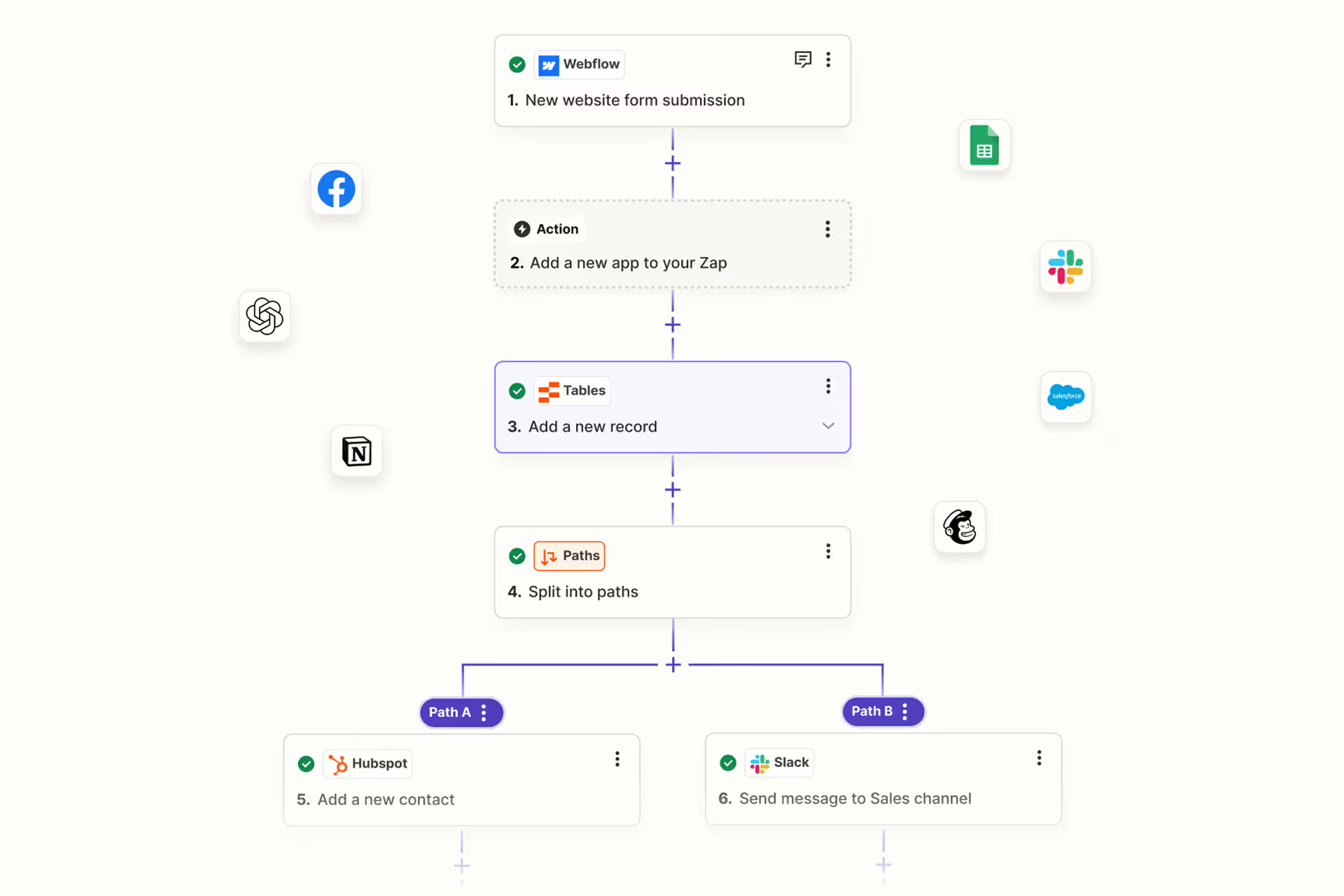
Many automation platforms such as Zapier or Make also use these low-threshold solutions to connect standard office applications. Simple processes are thus automated between these applications — often via drag & drop.
Using no-code and low-code with Axisbits
Axisbits specializes in the development of individual high-end software. In order to save costs for our customers, we also use no or low-code programming at the right points.
Especially with Minimum Viable Products, it makes sense to keep development costs low at first. This has two important advantages: Both the time required and the budget spent on it are limited to what is necessary. The aim is to get an MVP quickly and cheaply that can be tested on the market.
In our blog, you can find an overview of software development And can you get to the expenses inform — and how they are created. We also show the role of an MVP and the use of no and low code. If you already have a project idea on your desk, we will be happy to advise you on the next steps.
{{fs-btn-cta}}
Wir schaffen leistungsstarke Plattformen und Websites für Startups, Scale-Ups und KMUs, von Konzept bis Go-Live.
Low-Code and No-Code — Common Questions and Answers
No-Code is suitable for simple applications such as forms, workflows, or internal automations that do not require individual adjustments.
No, classic, full-fledged programming remains important, especially for scalable and individual applications. Low-code and no-code speed up many processes, but do not replace custom software development.
Popular no-code platforms include Bubble, Zapier, and Webflow. Well-known low-code platforms include Mendix, OutSystems, and Microsoft Power Apps.
Yes, we also deliberately use low and no code in certain cases in order to help our customers obtain a prototype or MVP quickly and comparatively cheaply.
Yes, but usually only one after the other. A low-code MVP is usually followed by hard-code programming. However, both systems are rarely used in parallel.
More articles

Business Process Management (BPM) is the structured control of business processes through modeling, automation, measurement and optimization. The EU rules DORA and NIS2 reach Swiss companies too, by way of their supply chains.
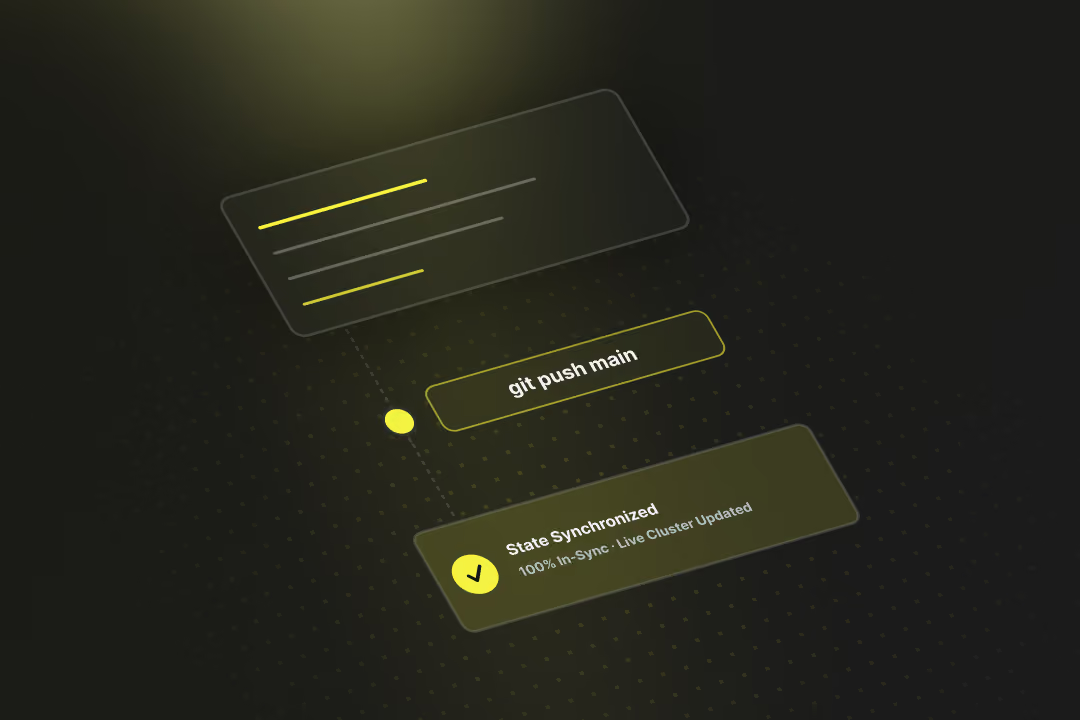
Software deployment is the process that moves finished code out of the development environment and into live production. GitOps, Progressive Delivery and DevSecOps make releases faster and safer. At the same time, the revDSG and even EU regulations reach into Swiss pipelines.
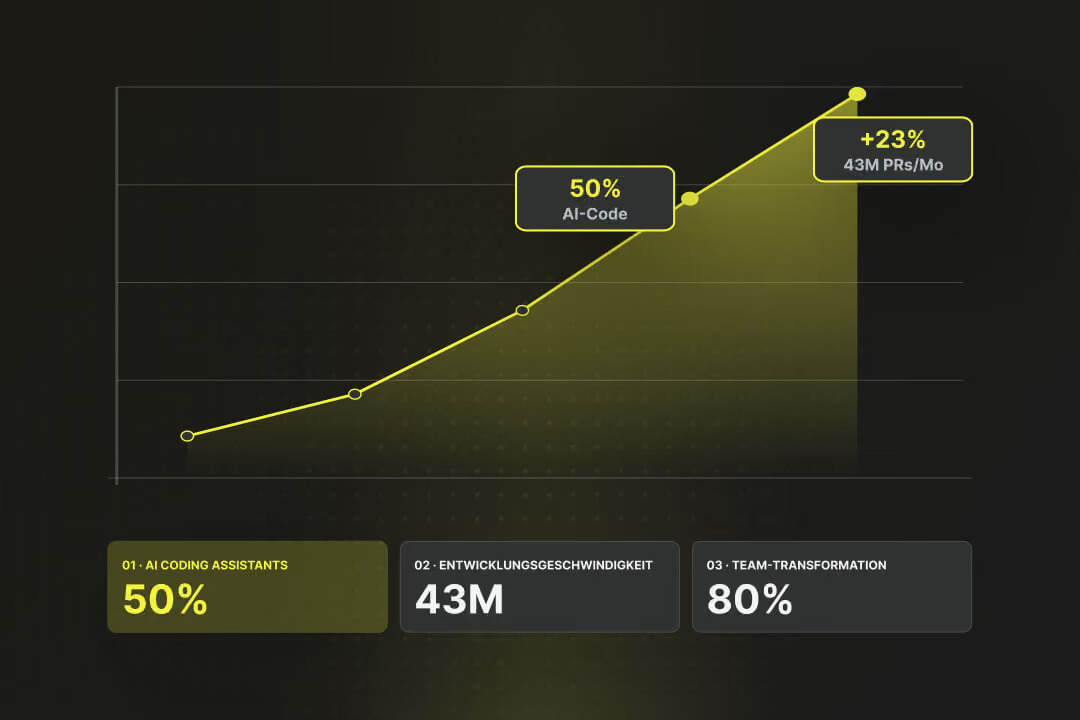
By the end of 2025, almost half of all code on GitHub was generated using AI tools, according to EY Switzerland. Each month, 43 million pull requests were merged, a 23% year-over-year increase (Source: EY Switzerland). Gartner predicts that by 2030, AI-native development platforms will lead to 80% of organizations transforming large developer teams into smaller, AI-augmented units (Source: Gartner). Software development is changing faster than ever before. We highlight the trends that truly matter in 2026, what's driving them, and what this specifically means for businesses.