Native app vs. web app: Which is better suited to your project?
Mobile applications, i.e. apps, can basically be implemented in two ways: as a native app or as a web app. Native apps are developed specifically for an operating system such as iOS or Android and installed directly on the device. Web apps run in the browser, require no installation and work independently of the operating system. But there are also intermediate routes.

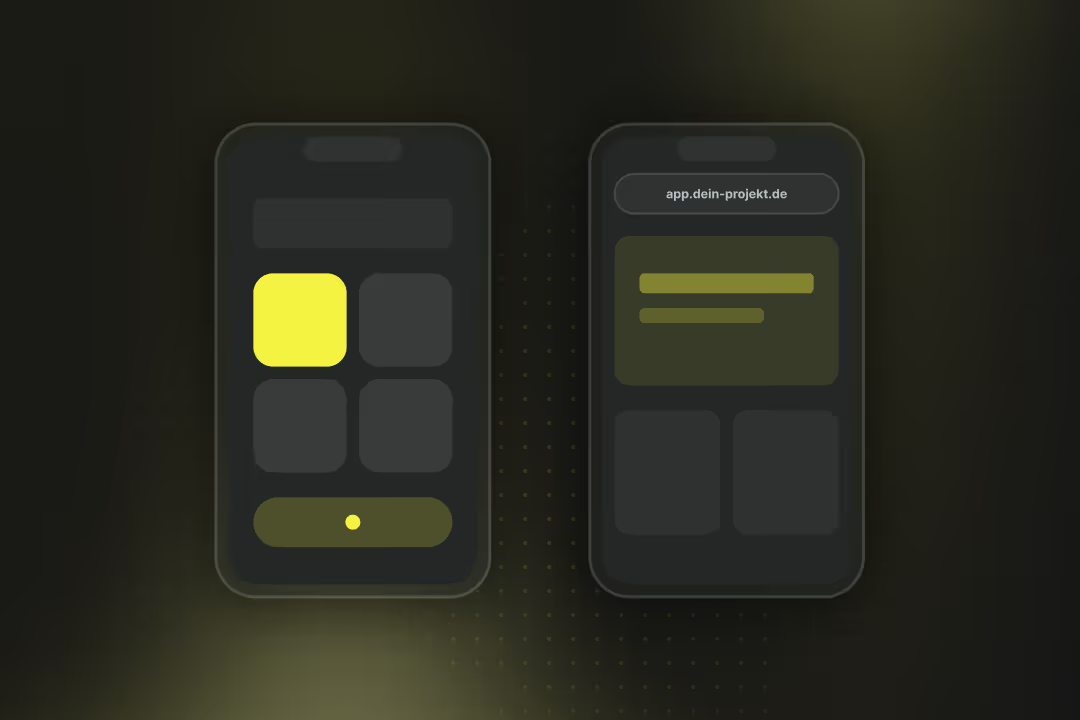
Native app vs. web app: The most important things in brief
- Native apps run directly on the operating system (iOS, Android) and offer full performance and access to all device functions.
- Web Apps run in the browser, require no installation and can be reached via any URL. They are easier to maintain but are technically limited.
- It is also possible Cross-platform apps: These combine both approaches, i.e. a common code base, native execution and lower development costs.
- A subtype of web apps is Progressive web apps (PWAs): with app-like features such as offline usage, push notifications, and installability.
- Native and cross-platform apps are suitable for high-performance or hardware-intensive applications. Web apps and PWAs for reach, maintainability and quick updates.
What is the difference between a native app and a web app?
A native app is programmed for an operating system and installed locally. A web app runs in the browser and is accessible via a URL.
One Native app is developed for a specific operating system such as iOS or Android. It is distributed via app stores, installed on the device and can access system functions such as camera, GPS or push notifications. The code is usually written in Swift or Kotlin/Java and is bound to the respective platform.
One web app runs in the browser and is not installed. It is based on HTML, CSS and JavaScript and is accessible via any common URL. Changes or updates are imported centrally to the server and are immediately visible to all users. Access to device features depends on the browser's interfaces.
- Development costs: Native apps sometimes require separate projects per platform. Cross-platform developments and web apps require just one code base.
- Distribution: Native apps via app stores, web apps directly via the browser.
- Device integration: Full system access for native apps, partially limited access for web apps.
- maintenance: Web apps are updated on the server side, native apps require store updates.
When is a native app used, when is a web app used?
A native app is chosen when performance, hardware access, or offline functionality are critical. A web app is suitable when the focus is on reach, centralized maintenance and short development cycles.
Many well-known applications use combined technologies. Even if an app looks “native,” it can use cross-platform frameworks, its own rendering engines, or WebViews internally.
The underlying tech stacks are rarely disclosed by companies and can change with every release.
When are native apps being used?
Native apps are useful when device functions or maximum performance are paramount. They use APIs and frameworks that are only available on the respective operating system.
When are web apps used?
Web apps run in the browser and do not require any installation. They are chosen when maintainability, availability, and range are more important than direct device access.
Would you like to have an app developed, but don't know yet which variant you should choose? We are happy to advise you, free of charge and without obligation.
{{fs-btn-cta}}
What alternatives are there to native apps and web apps?
There are two common approaches between native development and classic web apps: cross-platform apps and progressive web apps (PWAs). These combine features of both worlds and are functionally between native and purely web-based.
- Cross-platform app: Is developed on a common code base and then compiled for multiple operating systems, mostly iOS and Android. It offers almost native performance and access to device functions, but reduces development and maintenance costs.
- Progressive Web App (PWA): Is an advanced web app that runs in the browser but offers app-like features such as offline usage, push notifications, and installability. It combines the reach of the web with selected features of native applications.
App selection and development with Axisbits
When planning an app, our customers stand for this Overall objective at the heart of considerations: What should the app be able to do and what functions do we want to offer users?
We will guide you through these considerations and deduce which app variant best for your project is suitable. First of all: It is usually not a native app, as it would be unnecessarily expensive. Web apps and cross-platform developments for several operating systems are cheaper and more widely available. But we'll find out in a joint conversation.
We will then assist you in planning, defining the range of functions, the technical implementation and developmentas soon as the app is live. The exact process of cooperation can be found on our page on custom software.
If you already have a Project idea on the launch pad If you are looking for advice on how to implement it, get in touch with us. We'll show you exactly how we implement the development of your app. You can find many customer examples in our portfolio.
{{fs-btn-cta}}
Wir schaffen leistungsstarke Plattformen und Websites für Startups, Scale-Ups und KMUs, von Konzept bis Go-Live.
We advise you on the selection and create powerful apps for start-ups, scale-ups and SMEs, from concept to go-live.
Native app vs. web app — common questions and answers
When usage increases sharply, performance or offline functionality is limited, or complex device functions become necessary. Many projects start as a web app and later gradually migrate to a cross-platform app.
In part: Frameworks such as Flutter or .NET MAUI offer web targets that also execute the same code in the browser. However, the performance there is lower and depends on the browser.
Technically, it's enough to add a web app manifest and a service worker. This gives the application offline functionality, installability and optional push notifications, without a fundamental architecture change.
WebGPU enables GPU-accelerated rendering and machine learning right in the browser. In the future, this will enable web apps to perform more sophisticated graphics and computing tasks that were previously reserved for native applications.
You can perform further actions or systems via interfaces aJA, on Android via the so-called Trusted Web Activity (TWA). This allows a PWA to appear in the Google Play Store. There is no store release planned on iOS; PWAs are installed there via Safari.nbind. Many platforms offer API modules or so-called “custom actions” for this purpose.
More articles
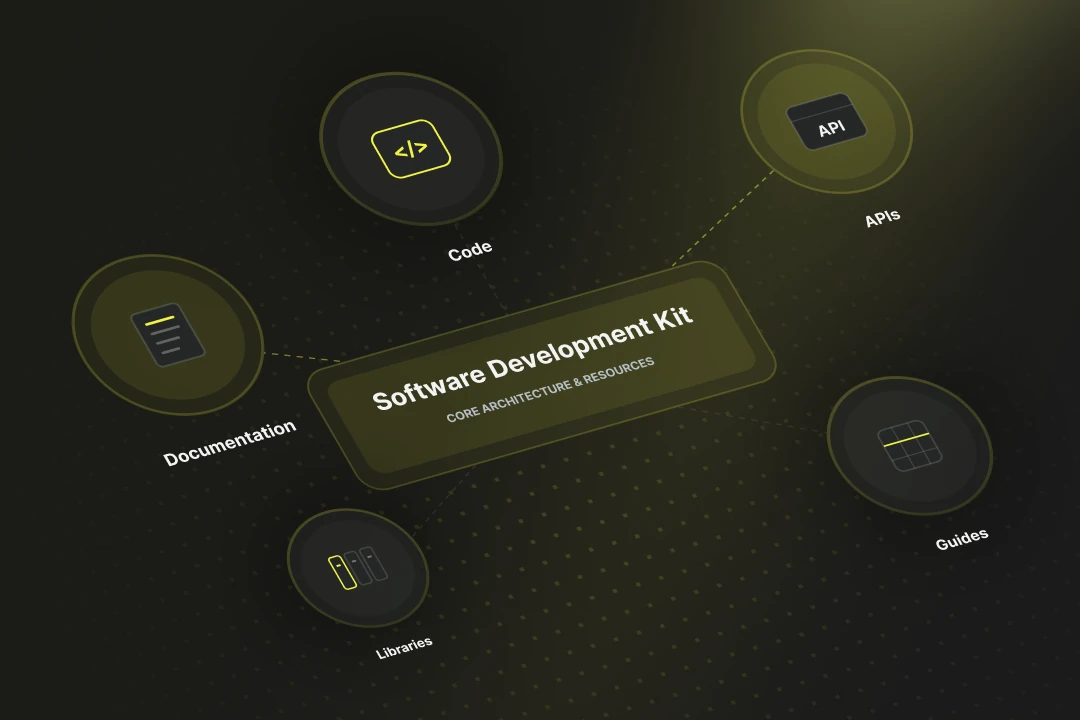
SDK stands for Software Development Kit. Online the abbreviation also turns up for a German health insurer, but in software development SDK always means a package of tools, libraries and documentation for a particular platform. It lets you build apps faster, because standard functions such as login or payment ship ready-made.
Embedded software is control code that runs directly on a hardware system, without a generic operating system in between. In 2026 embedded software has become a compliance topic, because the Cyber Resilience Act (CRA) starts to bite from September 2026 with its first reporting duties — including for Swiss manufacturers active on the EU market.
