AI Prototyping: From Concept to Working Prototype
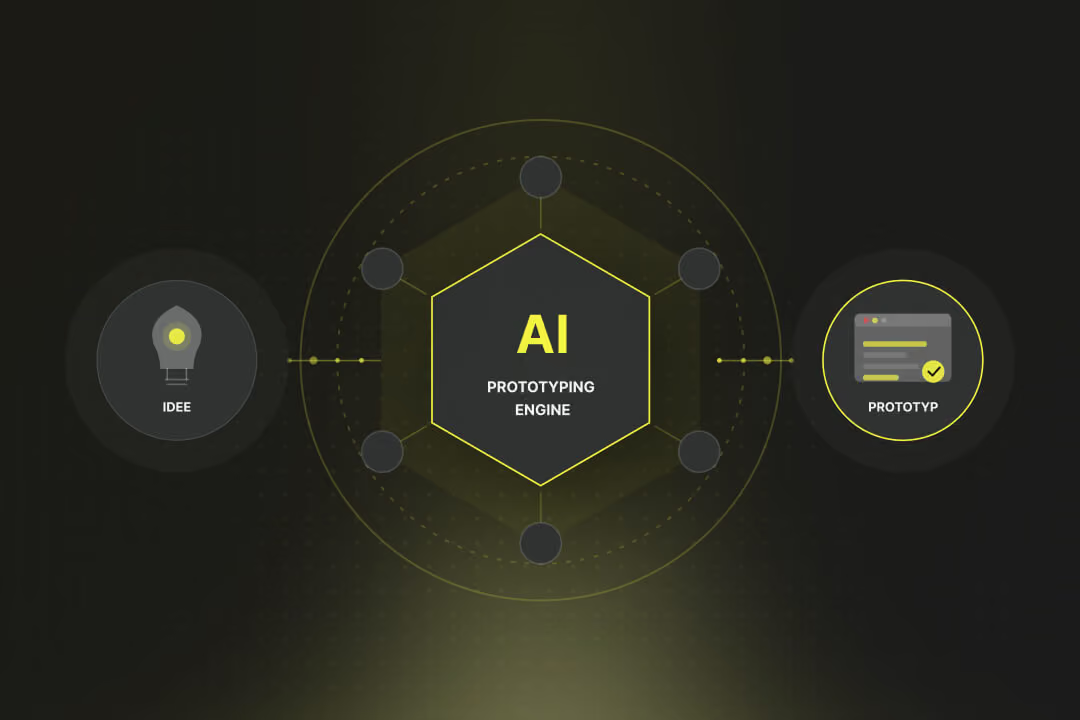
Just two years ago, building a first functional software prototype took several weeks: setting up the development environment, cobbling together a backend, building a frontend, wiring it all together. Today it takes a few hours and a clear prompt. AI Prototyping has fundamentally changed the process.

AI Prototyping: At a Glance
- What it is: AI Prototyping means using AI tools to quickly build a functional, testable prototype, instead of investing weeks in traditional development before an idea can be tested.
- Why it's different now: Modern tools like Lovable, Bolt.new, or v0 generate functional web apps from a text prompt, including UI, logic, and database connectivity. These are not static mockups, but functional prototypes.
- Three Phases: Define (What should the prototype prove?), Build (Prompt-based with the right tool), Test and Iterate (real users, real feedback).
- Tools by Profile: For non-developers: Lovable. For quick demos: Bolt.new. For React/Next.js frontends: v0. For developers who need more control: Cursor. For learners: Replit.
- Limitations: AI prototypes are built for validation, not for production. As soon as scalability, data privacy, or complex business logic are required, professional development is needed.
What is AI Prototyping?
Traditional Prototyping distinguishes between different stages: paper prototypes, static mockups in Figma, and finally functional prototypes, which required developers. Designers could create the first two themselves, but the third step almost always incurred development time.
AI Prototyping radically shifts this boundary. Tools like Lovable, Bolt.new, or v0 take a textual description and generate a running web app with real interactions, form processing, and data persistence. Not a static mockup, not a mock: a prototype you can put into the hands of a real user to see if the concept holds up.
This shifts the focus away from building and towards validating. Instead of developing for weeks before getting initial user feedback, you start with a prototype and learn within days whether your assumptions are correct.
AI already generates 41 percent of global code, and 62 to 93 percent of developers use or plan to use AI tools. AI Prototyping is the new standard for early product validation.
What are the phases of AI Prototyping?
The most common source of error in AI Prototyping is jumping directly into the tool without first clarifying what the prototype is actually supposed to prove. The result is a technically impressively quickly built prototype that answers the wrong question.
Before writing the first prompt: What is the single core hypothesis the prototype should test? "Users are willing to pay for X" or "Onboarding works without explanation" are testable hypotheses. "We want to build an app" is not. The clearer the question, the more focused the prototype.
The typical AI prototyping mistake: trying to do too much at once. A prototype for user registration doesn't need a full admin area. Scope discipline is just as crucial in AI prototyping as in traditional development, perhaps even more so, because the tool can build more than you anticipated so quickly.
The more specific your initial prompt, the less rework you'll have. Good starting prompts describe the use case from a user's perspective, name the framework (e.g., React, Next.js), and provide guidance on the look and feel. Then iterate: take screenshots, describe what's still missing, and prompt again.
The prototype is ready when real users can interact with it and their behavior provides answers to the core hypothesis. No internal testing, no "we think this works." Real users, real feedback. Everything else is just desk work.
After the test: Is the hypothesis confirmed or refuted? If refuted, a new pivot and a new prototype are needed. If confirmed, the next step determines whether the prototype is further developed or handed over to professional development.
What AI Prototyping Tools Are Available?
The AI prototyping tool landscape has consolidated by 2026. Five platforms dominate, and the choice depends less on features than on your own expertise and the prototype's objective.
| Tool | Best For | Strength | Limitation | Pricing |
|---|---|---|---|---|
| Lovable | Non-developers, founders, designers | Creates complete full-stack applications from prompts. Best visual output and easiest user experience. | Backend configuration (Supabase) can be challenging for non-technical users. | Free / from $25/month |
| Bolt.new | Rapid demos and hackathons | Fastest prompt-to-deployment workflow. Supports multiple frameworks including Vue, React, and Angular. | Generated code is generally not suitable for production environments. | Free / usage-based |
| v0 by Vercel | Frontend developers and Next.js teams | Produces the cleanest React/Next.js code and is ideal for handoff to development teams. | Frontend only; no backend functionality. | Free / from $20/month |
| Cursor | Developers with VS Code experience | Full IDE control, highest code quality, and no vendor lock-in. | Requires software development knowledge. | Free / $20/month |
| Replit | Learners, experiments, students | Complete browser-based IDE with support for 50+ programming languages and a strong community. | Costs can scale quickly and it is not designed for production deployments. | Free / effort-based |
{{fs-banner-cta}}
What Does an AI Prototype Sprint Look Like?
Five days from a blank page to a testable prototype: that's realistic if the scope is well-defined and the right tool is chosen.
Day 1: Define Hypothesis and Scope
What should the prototype prove? Which two to three core functionalities are necessary for that? Everything else is out. No admin panel, no onboarding flow, no multi-language support, as long as the core question hasn't been answered yet.
Day 2: Build the first prompt and choose a tool
For non-developers: Lovable. For a quick demo: Bolt.new. Writing the prompt: User-centric use case, desired framework, rough design hint. Check the first output: Does the core functionality work?
Day 3: Iterate and refine
Take screenshots of what's missing or wrong and refine it via prompt. Critically assess: Is this still within scope? Every extension costs time and focus. Goal: The prototype is shareable and demonstrable.
Day 4: First test with real users
Five to ten real users with the prototype. No explanations, no guidance, no "imagine this was finished." Simply observe what they do and note where they struggle or are surprised.
Day 5: Evaluate and decide
What did the testing reveal? Hypothesis confirmed: Decide whether to begin professional development. Hypothesis disproven: What did the test teach? New scope, new prototype, or pivot the overall idea.
Is an AI prototype sufficient?
AI prototypes are built for one purpose: rapid validation. They are not production software, and most tools state this themselves. Bolt.new describes its primary application as "rapid prototyping." Lovable's output is clean, but not designed for production under load.
The transition to professional development makes sense when the following questions are answered with a 'yes':
- Does the prototype scale? If hundreds or thousands of users access the system simultaneously, an architecture that can support this is needed. AI prototypes almost never scale without significant refactoring.
- Are personal data involved? The revised Swiss Data Protection Act (nDSG) sets requirements that an AI-generated prototype does not automatically meet: audit trail, data localization, access concepts.
- Is the business logic complex? As soon as a system does more than CRUD operations on simple datasets, it requires a clean architecture. AI prototypes tend towards monolithic, difficult-to-maintain structures.
- Do other systems need to be integrated? Stable API integrations, ERP connections, or complex authentication setups go beyond what AI prototyping tools can reliably achieve.
The proven pattern in practice: AI prototype for validation, professional development team for production software. Both have their place, and neither replaces the other.
AI Prototyping with Axisbits
Axisbits supports companies and startups in the transition from a validated AI prototype to scalable, production-ready software. We understand both sides: the rapid, prompt-based prototype and the clean architecture required behind it when the prototype proves the idea is viable.
- Prototype Assessment: We analyze existing AI prototypes for technical feasibility, scalability, and the cleanest path to production.
- AI-Native Development: We develop applications with AI integration from the ground up, from agentic workflows to API connections with LLM services.
- MVP Development: Once the prototype is validated, we build the production-ready MVP, iteratively and continuously testable.
- nDSG Compliant: Swiss data protection requirements are incorporated into the architecture and data strategy from the outset.
{{fs-btn-cta}}
Axisbits: From Prototype to Software
In 30 minutes, we'll discuss your plan for the prototype — or how your AI prototype can be developed into production-ready software.
Wir schaffen leistungsstarke Plattformen und Websites für Startups, Scale-Ups und KMUs, von Konzept bis Go-Live.
We develop AI-powered apps and use your prototype as a starting point for production.
AI Prototyping: Frequently Asked Questions
Not strictly necessary for tools like Lovable or Bolt.new. You describe in natural language what you want to build, and the tool generates functional web apps. If the output isn't right, you describe what's missing or wrong. Programming knowledge helps to check the output and write more targeted prompts, but it's not a prerequisite for getting started. Tools like Cursor, on the other hand, require developer experience.
A first working prototype with a clear scope can be built in a few hours. A prototype ready for user testing typically takes two to three days: one for the initial build, one for iteration and refinement, and one for test preparation. The biggest time trap is an unclear scope, where the prototype grows during development and the actual validation question gets lost.
It depends. v0 by Vercel generates clean React/Next.js code that can be directly maintained by developers. Lovable has a GitHub sync feature and well-structured TypeScript output. Bolt.new and Replit are less suitable for handover to professional developers. Generally speaking, for simple features, AI-generated code can serve as a starting point. For scalable, security-critical production, the foundation should be built cleanly, even if individual components can be adopted from the prototype.
No-code tools like Bubble or Webflow rely on visual editors and pre-defined building blocks. AI prototyping with tools like Lovable or Bolt.new starts with a natural language prompt and generates real, exportable code. The advantage of AI prototyping: no vendor lock-in; the generated code is portable. The advantage of no-code: More stability for non-technical teams who want to maintain a platform themselves long-term.
More articles
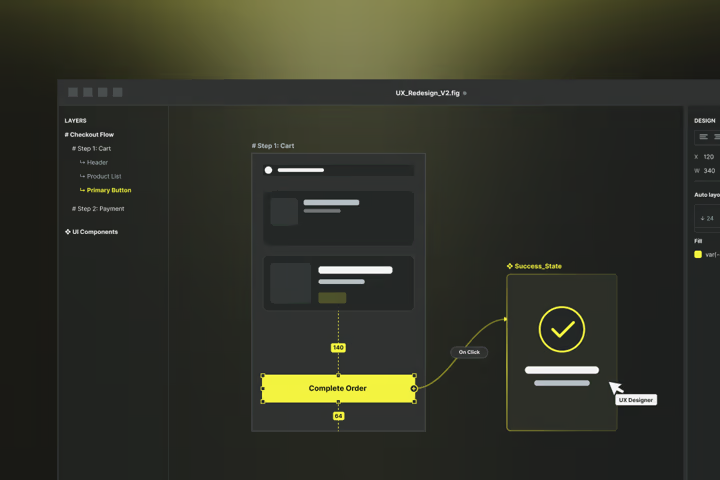
68% of all website visitors leave a page after less than 10 seconds, which is almost 7,000 lost customers per month on an average website. The common reason: poor UX design. In this article, you'll learn what UX design is and how you can use it for your business right away.
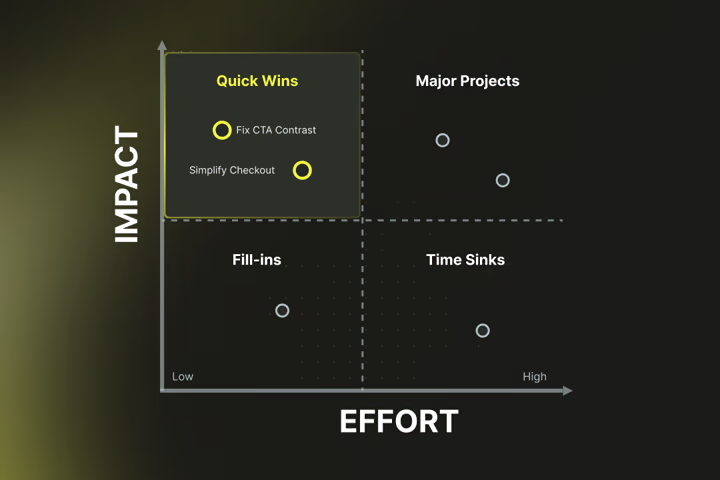
If you buy expensive traffic and then the users jump off again in rows, it's time for UX optimization. In this article, you'll learn more about the benefits and ROI, troubleshooting, and proven measures to optimize UX.

Do you put a lot of effort into shoveling visitors to your website, even running ads, but users don't want to buy or get in touch? The conversion rate mercilessly expresses this relationship in figures. In this article, you'll find out what the conversion rate really is and how to use it sensibly.