App development: duration of phases, project examples & tips
For a company, an app can be an important tool used internally or a high-selling product to the outside world. In addition to the costs of app development, the required duration in particular is a decisive decision criterion. In this article, we therefore show which phases of development consist of and how much time must be planned for this. Using two example cases from our customers, we also show very specific values from practice.

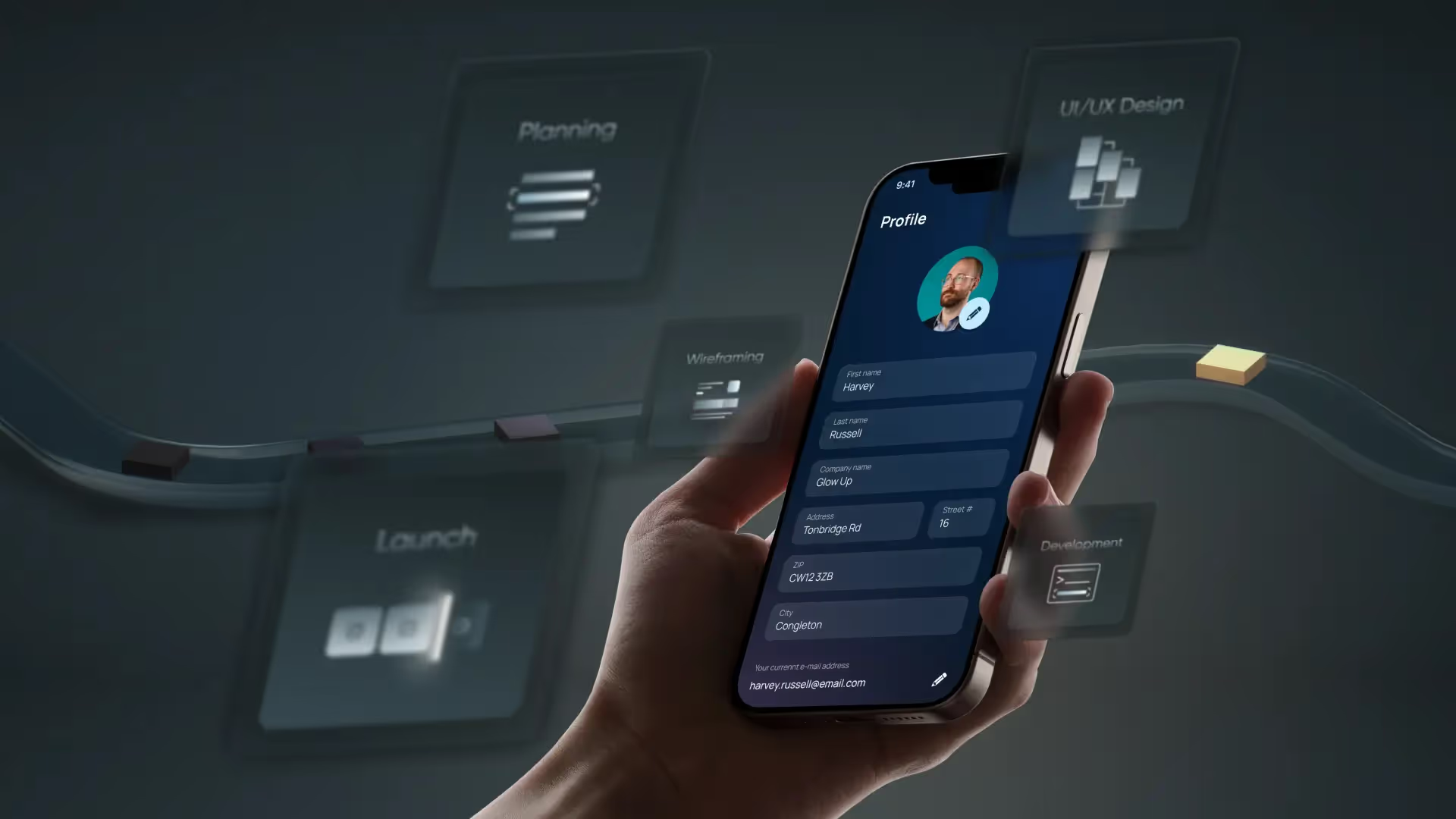
App development: duration of phases, project examples & tips
For a company, an app can be an important tool used internally or a high-selling product to the outside world. In addition to the costs of app development, the required duration is a decisive decision criterion. In this article, we therefore show which phases of development consist of and how much time must be planned for this. Using two example cases from our customers, we also show very specific values from practice.
The most important factors for the duration of app development
When creating an app, several development steps affect the overall duration:
Features and complexity
The more features you want your app to have later, the more time is initially for Design and later for programming and testing necessary. A simple quiz, which can be used as a game or test for applicants, often has only a few screens and not an overly complex backend. However, an extensive e-commerce shop with product search, shopping cart and payment function requires significantly more development time
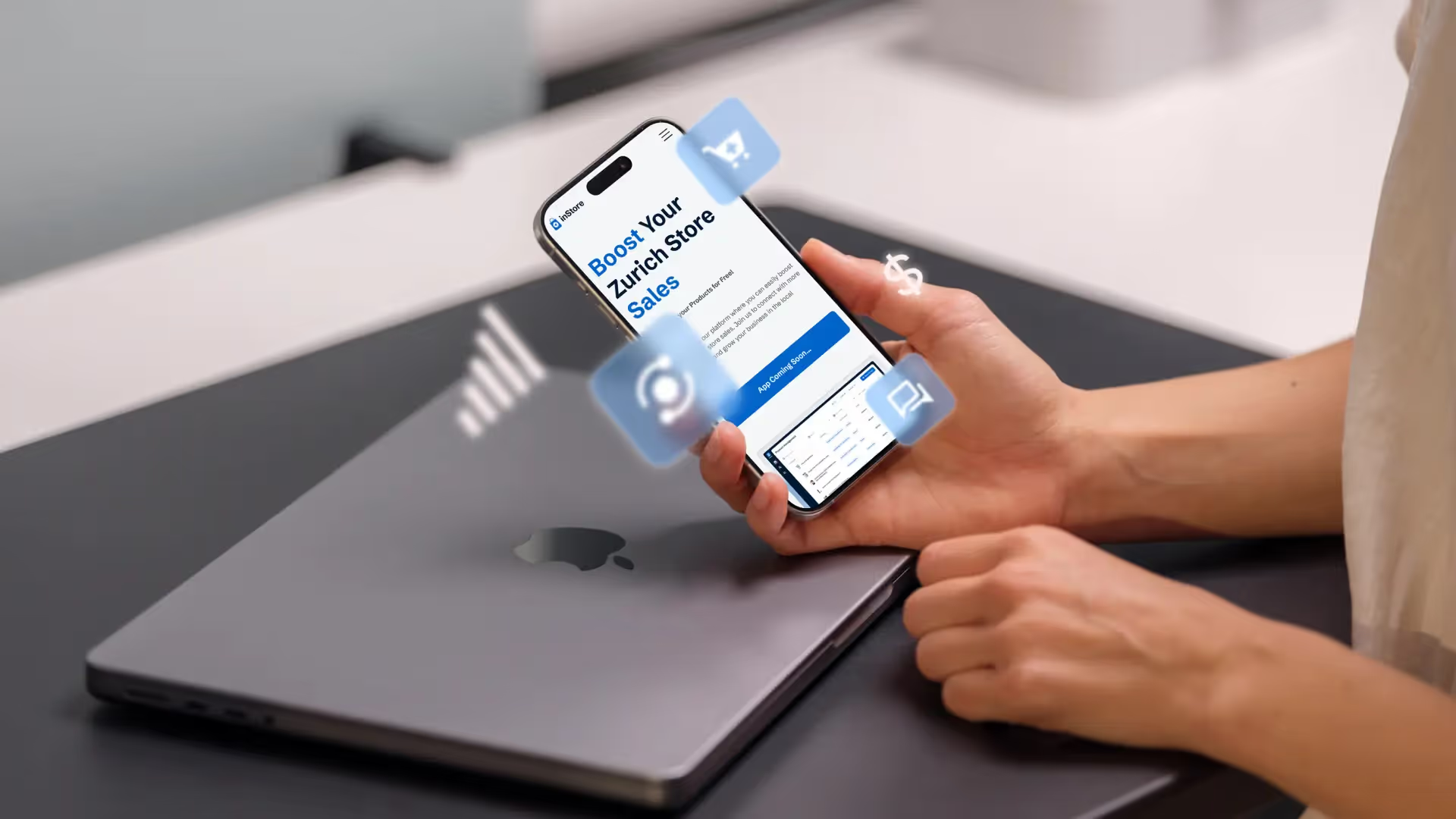
platforms
The choice of platforms significantly influences the duration of programming:
- iOS: Development for iPhones and iPads
- Android: Development for a wide range of Android devices
- Cross-platform: It is possible to provide an app for both iOS and Android with a common code base (with limitations).
If you're only developing for one platform, it can be faster. However, when developing in parallel for iOS and Android, you have to expect more effort — unless you use cross-platform technologies, which in many cases also need time to optimize. Either way, effort and development time increase, the more devices should operate your app.
Design and user experience
Creating a modern and well-thought-out design that is optimally tailored for mobile use takes time — but it's worth the investment. A good UX/UI design improves usability and increases Likelihood that users are comfortable with your app. Depending on complexity and requirements, design processes can take from a few weeks to several months.

Team and resources
The size and experience of the team have an influence on the development time. A experienced team, which has already internalized processes and workflows, can often move a project forward faster. Just Agencies that specialize in app development , can give you tips on how to save time right from the planning phase.
Tip: If you're wondering how high the costs are, it's worth taking a look at our article on App development costs.
The typical development process and its duration
Although each app project is unique in itself, the development of many apps follows a rough structure that you can also apply to your project. Below you'll find a Orientation timeline, which can of course vary depending on the scope of the project.
Idea generation and requirements analysis (1 - 4 weeks)
It all starts with an idea. Here you clarify Which problem your app solves and which features it should include. You also determine which target group you want to address. During this phase, it can be really helpful to get feedback from potential users to validate your assumptions.
Key tasks:
- Market analysis and competition check
- Preparation of a rough list of functions
- Sketch your first wireframes
Concept and UX/UI design (2 - 8 weeks)
In this phase, the requirements are specified and visually presented. How do users navigate through your app? Which screens are necessary and what do they look like? This is where the first interactive prototypes are created, with which you can test usability.
Key tasks:
- Create detailed wireframes or mockups
- Iterative user testing and feedback loops
- Final UX/UI design
Technical planning and architecture (1 - 4 weeks)
Before you start the actual development, you should create a solid technical basis. Questions like “Which programming language do we use? ” or “How do we integrate a payment system? “will be clarified in this phase. One well-thought-out architecture Save yourself from negative surprises later on.
Key tasks:
- Selection of technologies (e.g. Swift/Objective-C for iOS, Kotlin/Java for Android, Flutter, or React Native for cross-platform)
- Backend design (servers, databases, interfaces)
- Development environment planning (CI/CD processes)
Development (8 - 32 weeks)
Die Programming the app is the focus of all phases. Design and concept become code here. Depending on the complexity, this part of course takes up the majority of the time. While actual programming is ongoing, communication with stakeholders remains important in order to be able to react quickly to changes in requirements.
Key tasks:
- Programming frontend functions (UI)
- Connecting the app to the backend (API integration)
- Data security and performance optimization
- Regular status updates and feedback rounds
Testing and quality assurance (2 - 6 weeks)
Before your app is available in app stores, it must be used in every conceivable situation Work flawlessly. This is ensured by detailed tests — both automated and manual. The large number of Android devices and iOS versions in particular can take up quite a bit of time here.
Key tasks:
- Code-level unit testing
- Integration testing and automated UI testing
- Manual testing on various devices
- Bug fixing and performance tuning
Launch and release (1 - 2 weeks)
Publishing an app always means bringing it to app stores. At Apple, the review team usually takes a few days, while Android apps can usually be published faster. that launch marketing should also be planned to make your app more popular.
Key tasks:
- Create all necessary metadata, screenshots, app icons
- App store submission (Apple App Store, Google Play Store)
- Maintenance, updates and bug fixes after go-live
Examples of app types and their development time
The timings in the process above are generally valid to give you a feeling for the development time of all conceivable apps. Here we show you two specific examples, which are based on cooperation with our customers:
Learning and quiz app as a web app
Quiz or learning modules, evaluations, user registration, payment (e.g. for certificates) and gamification.
- Time required: 2 - 5 months
.avif)
Typical B2C mobile app (iOS/Android)
Mobile application (iOS/Android) with user profile, in-app purchases, push messages, backend API and, if applicable, chat functions.
- Time required: 4 - 10 months
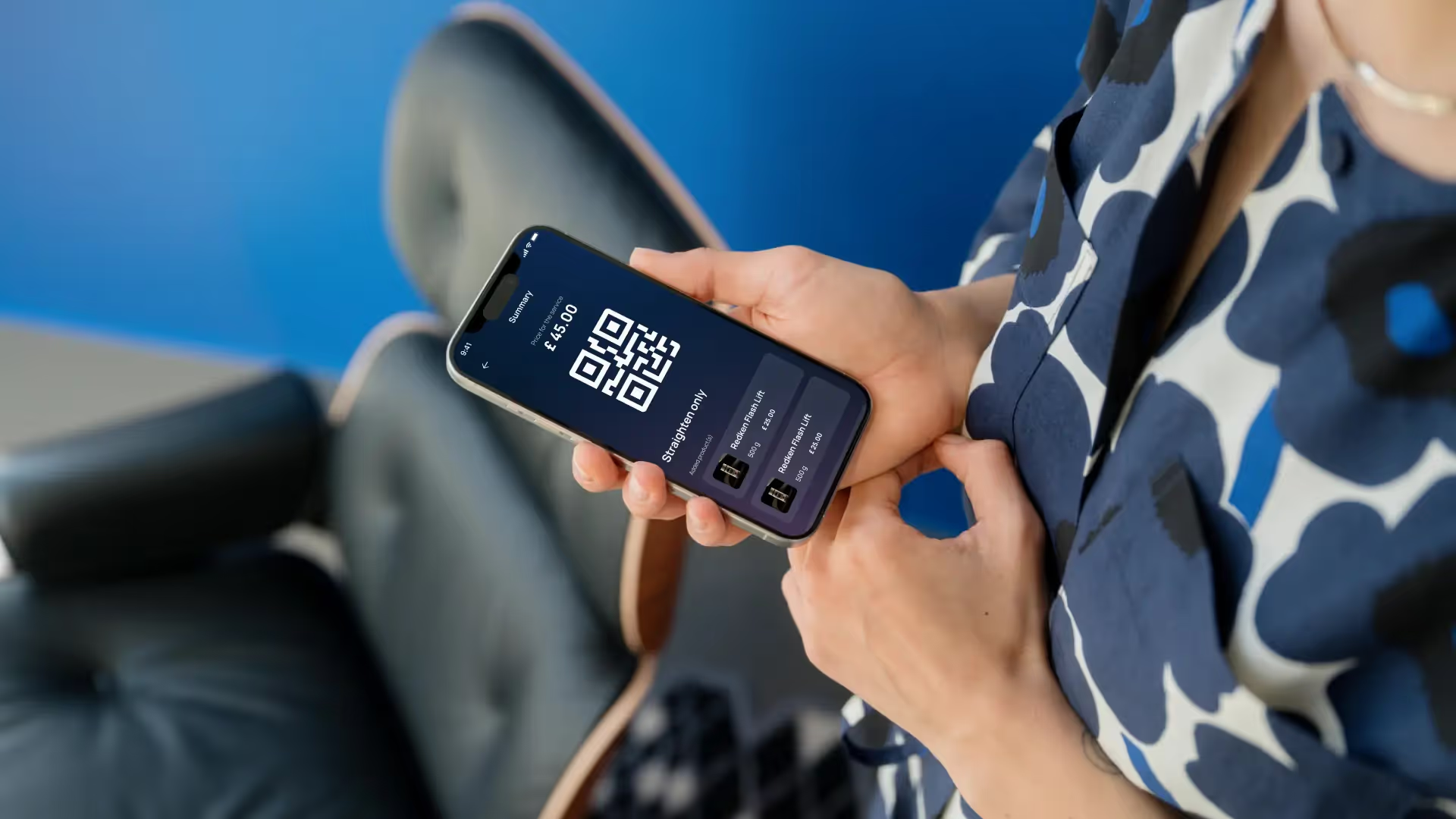
The lower time values always refer to a minimum viable product (MVP), with which customers go into the market test first. After this More features are added to validation, which pushes time to the upper end of the range.
Tip: In our article, you can find out more about the development costs of your app — there you can find out how costs are made up and which aspects you should consider when planning your budget.
How can you keep development as short as possible?
- Agile processes: By developing in short sprints, you can keep development on track and avoid time-consuming detours.
- Prioritize: Focus on key features. Additional features may also follow after the launch.
- Automation: Automated testing and continuous integration help ensure quality and iterate quickly.
- Experienced partners: A team that has already implemented similar projects will save you a lot of time (and nerves).
With these approaches, you can save time, even with the highest quality standards, without sacrificing performance or the end result.
For all questions regarding the development time of your app, we offer you a free consultation, In which we define the key points of your app idea and can tell you much more precisely what period of time you have to expect. The price can also be estimated more precisely in this way.
Wir schaffen leistungsstarke Plattformen und Websites für Startups, Scale-Ups und KMUs, von Konzept bis Go-Live.
Duration of app development — common questions and answers
The duration of app development depends directly on the scope. Simple apps (such as a to-do app) take a few weeks, while complex apps such as e-commerce platforms or social media apps can take 6 - 12 months or longer.
The more features you plan, the longer it takes to implement. A simple calculator requires less development time than a comprehensive banking app with security features, push notifications, and API integrations.
App development consists of several phases: planning, design, programming, testing and launch. Each step requires careful work to ensure a high-quality and defect-free product. The more features and platforms, the longer the development time.
Development for a single platform (e.g. iOS only) is usually faster than parallel development for iOS and Android. Cross-platform approaches such as Flutter or React Native can reduce time, but they often require additional optimization steps to run perfectly on both platforms.
Social media apps: Many user roles, interactions, and security requirementsE-commerce apps: shop functions, payment integration, user managementGaming apps: sophisticated graphics, animations, and real-time interactions
A Minimum Viable Product (MVP) is an app version with the most important core functions. It allows you to get your app to market quickly and get user feedback before developing more features.
Development is followed by the launch in the app stores (Apple App Store, Google Play Store). But even after that, you should regularly carry out updates, bug fixes, and improvements to keep your app up to date.
More articles
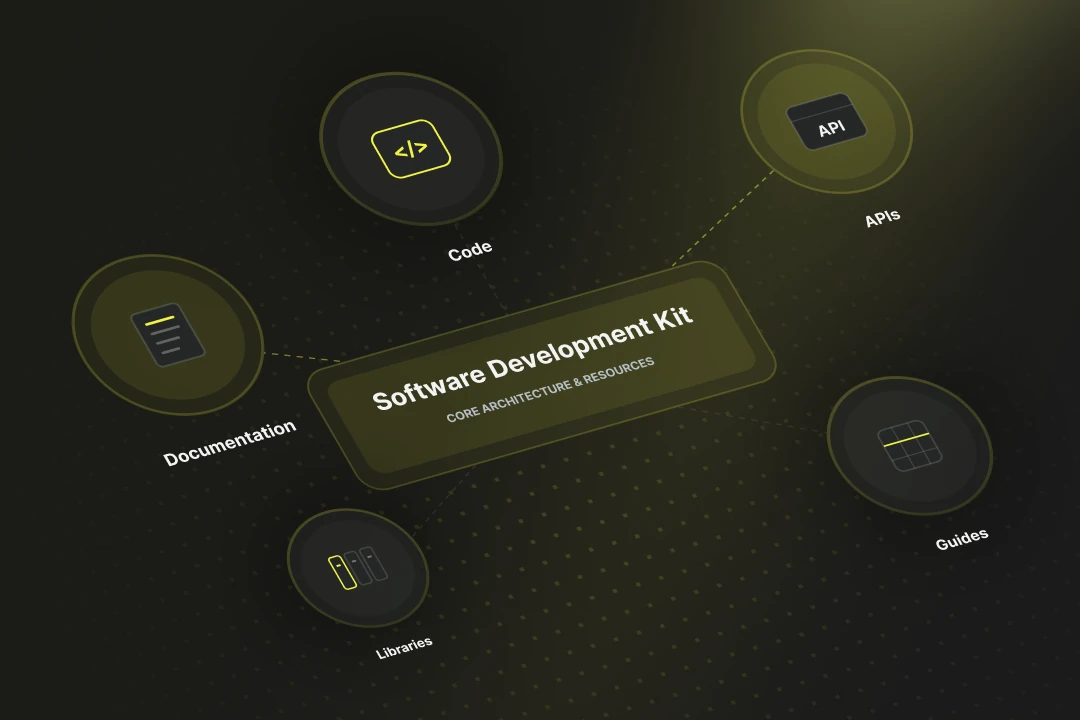
SDK stands for Software Development Kit. Online the abbreviation also turns up for a German health insurer, but in software development SDK always means a package of tools, libraries and documentation for a particular platform. It lets you build apps faster, because standard functions such as login or payment ship ready-made.
Embedded software is control code that runs directly on a hardware system, without a generic operating system in between. In 2026 embedded software has become a compliance topic, because the Cyber Resilience Act (CRA) starts to bite from September 2026 with its first reporting duties — including for Swiss manufacturers active on the EU market.
