Pipedrive vs HubSpot: Which CRM is better?
Pipedrive and HubSpot are among the most popular CRM systems for SMEs, growing and large companies. Both are suitable for maintaining customer relationships and managing sales processes. However, they differ in price, range of functions and implementation costs. Pipedrive impresses with its simple, visually powerful sales pipeline, HubSpot as a comprehensive platform for marketing, sales and service, but with higher complexity and costs.

Pipedrive and HubSpot are among the most popular CRM systems for SMEs, growing and large companies. Both are suitable for maintaining customer relationships and managing sales processes. However, they differ in price, feature scope and implementation effort. Pipedrive stands out with its simple, visually strong sales pipeline, while HubSpot is a comprehensive platform for marketing, sales and service — though with higher complexity and cost.
Pipedrive vs. HubSpot: key points at a glance
- Pipedrive is suitable for SMEs with a strong sales focus. The system is easy to use. However, onboarding and integration with other systems are entirely in your hands. Marketing features are only available through paid add-ons or external software.
- HubSpot is suitable for companies that want to bundle marketing, sales and service on one platform. Costs rise as more users or contacts are added, but in return you get a significantly broader application with natively integrated marketing automation, AI features and a large app ecosystem.
- Cost model: HubSpot offers a free plan and lets you freely choose which Hubs to use, but starts charging onboarding fees from the Professional tier. Pipedrive offers four pricing tiers as well as paid add-ons.
Data location & compliance: Both systems meet the requirements of the Swiss revDSG. HubSpot allows you to choose the data location (e.g. Frankfurt/DE); Pipedrive hosts in the EU by default.
How do HubSpot and Pipedrive compare?
Pipedrive is heavily focused on sales and pipeline management. HubSpot positions itself as a comprehensive platform for marketing, sales and service. The main differences show up in price, feature scope, integrations and implementation effort.
Pipedrive vs. HubSpot: AI features compared
Both HubSpot and Pipedrive have developed their own AI features in recent years, with different focuses.
HubSpot now positions itself as an AI-first platform. With the new Breeze Agents, you can create content, qualify leads, answer customer inquiries or maintain knowledge bases. Automation runs through marketing, sales and service.
Pipedrive takes a more pragmatic approach. The AI Sales Assistant focuses on sales: it shows deal probabilities, suggests next steps and summarises conversations. Pipedrive is therefore aimed at sales teams.
How much do HubSpot and Pipedrive cost?
Payment can generally be made in CHF with both providers. However, CHF prices are usually not displayed on their public pricing pages.
- HubSpot: entry from around EUR 20 per user/month (Starter). For SMEs, prices typically fall between EUR 1,000 and EUR 3,000 per month, including Marketing, Sales and Service. In enterprise environments with large contact lists and multiple Hubs, costs can easily reach EUR 4,000 to 15,000+ per month, plus one-off onboarding fees of EUR 1,500 to 7,000.
- Pipedrive: entry from EUR 14 per user/month (Essential). For SME teams, total costs typically range between EUR 300 and 800 per month, depending on the number of users and add-ons needed. In larger setups of 100 to 150 users, monthly licence costs range between EUR 5,000 and 12,000 depending on the plan, but without onboarding fees.
Why these price ranges for HubSpot and Pipedrive?
With HubSpot, the contact volume in the Marketing Hub and the number of Seats (user licences) drive costs.
With Pipedrive, the price is primarily determined by the number of users and the add-ons selected.
Depending on the setup, prices vary widely, so no blanket statements based on company size are possible.
HubSpot and Pipedrive integrations and ecosystem
Both HubSpot and Pipedrive offer their own marketplaces with hundreds of apps and extensions.
HubSpot has one of the largest CRM ecosystems on the market. The official App Marketplace features more than 1,700 integrations, from email and automation tools to accounting software and data warehouses. HubSpot is particularly strong in marketing, with numerous ready-made connections to social media, ads and analytics.
Pipedrive relies on a leaner but also growing ecosystem. The marketplace currently lists around 500 apps, focused primarily on sales, communication and simple marketing functions. Typical examples include integrations with Microsoft 365, Google Workspace, Zoom and accounting tools such as QuickBooks.
How do HubSpot and Pipedrive differ on data location and compliance?
For Swiss companies, the revised Data Protection Act (revDSG) is the relevant regulation. It is similar to the European GDPR but not fully identical.
- Swiss companies must primarily comply with the revDSG.
- However, as soon as customer data from the EU is also processed — which is the case with many companies doing cross-border business — the requirements of the GDPR also apply.
Against this background, it is crucial where the data is stored and which certifications the provider can offer.
HubSpot operates several regional data centres, including in Frankfurt (Germany). Paying customers can choose the data location or migrate between regions. HubSpot runs on AWS infrastructure and meets international standards such as encryption, ISO 27001 and SOC-2. This means HubSpot meets the requirements set out by the revDSG.
Pipedrive uses AWS data centres in the EU and USA. European accounts are stored in the EU by default. Pipedrive is compliant with the General Data Protection Regulation (GDPR) and holds ISO 27001/27701 and SOC 2/3 certifications. An official Data Processing Agreement (DPA) regulates the details. This means Pipedrive can also be operated in compliance with revDSG and GDPR.
Migrating and adopting HubSpot and Pipedrive
You can set up Pipedrive on your own, but you have to work out the structure yourself. The automatic Guided Setup Assistant provides some help. Connecting your existing systems and using the add-ons is also entirely down to you.
HubSpot offers a permanently free starter tier, but the powerful Professional and Enterprise packages require mandatory onboarding. This is paid and usually takes several weeks.
The advantage of HubSpot onboarding: your Sales and Lead pipelines, as well as reporting, are set up cleanly from the start. Of course, this also applies to the other parts of HubSpot. But these three should be ready as fast as possible so that your HubSpot costs pay off quickly.
Who is HubSpot for, and who is Pipedrive for?
Pipedrive is suitable for your company if you have a strong sales focus and want to get started quickly without external implementation costs. You should, however, plan in time to set up Pipedrive largely on your own. Marketing in Pipedrive runs through add-ons and external software.
HubSpot is right for you if you want to combine marketing, sales and service on one platform. If you're scaling, HubSpot's automations and AI features will help you a lot.
If you start right at the Professional tier, there are onboarding fees, but this onboarding ensures you can start on solid footing without an experimental phase.
HubSpot onboarding with a Swiss partner
Axisbits is your HubSpot agency in Switzerland and helps you set up HubSpot so that it fits your processes and your data flows into the right systems without detours.
- Onboarding without detours: HubSpot mandates onboarding for Professional and Enterprise packages. With Axisbits, you can run this onboarding directly with us, tailored to your processes and without the standard templates from the US. This saves you costs and many hours of training.
- Adjustments to your systems: many companies already work with accounting, ERP or HR software. We build your interfaces so that your data doesn't have to be maintained twice. Example: new contacts from HubSpot land automatically in your ERP; invoices or support cases flow back into the CRM.
- Local contact: when questions come up, you can reach our team directly and get quick feedback and solutions aligned with Swiss data protection law. You don't have to go through a US ticket system.
- Hands-on training: instead of off-the-shelf tutorials, we show your team live how to use HubSpot in day-to-day work, from creating a deal to automating email sequences. This ensures your employees can really work with the system.
We at Axisbits have been working with HubSpot ourselves for years and are now the official HubSpot partner for Switzerland. Want your team to get started with HubSpot quickly? Get in touch with us!
{{fs-btn-cta}}
Wir schaffen leistungsstarke Plattformen und Websites für Startups, Scale-Ups und KMUs, von Konzept bis Go-Live.
We are a partner and official HubSpot Solution Provider, set up your HubSpot setup and get your team up and running quickly!
Pipedrive vs. HubSpot — Common Questions and Answers
No, Pipedrive only offers a 14-day trial. After that, a paid subscription is required.
HubSpot provides a free plan that can be used indefinitely. However, functions are limited and marketing costs rise as soon as many contacts are managed.
Fundamentally, Pipedrive is a sales CRM. Marketing features such as email campaigns or lead forms are only available via paid add-ons or integrations from the marketplace.
HubSpot hosts data in Frankfurt (Germany), among other locations, and allows paying customers to change their data location. Pipedrive stores data in the EU (AWS) by default. Both comply with the relevant data protection standards (revDSG/GDPR).
More articles
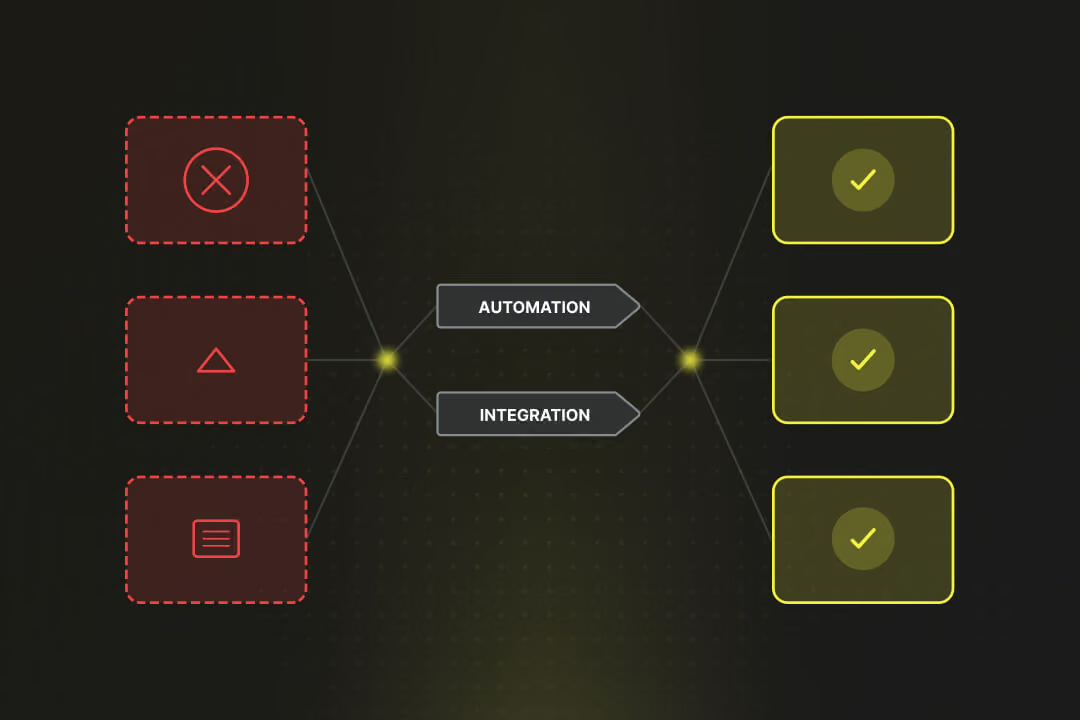
Digital transformation in SMEs is the answer to the acute shortage of skilled workers and your customers' increasing expectations for speed. You restructure your internal infrastructure so that as many processes as possible are automated and all information is available and synchronized for all departments.